PocketArC
Using AI to generate images with HTML and CSS works pretty well!
I needed a cover image for my latest post, and decided to use AI for it, BUT not just "generate an image with AI", which always looks cheap and fake.
Instead, I asked Claude Code:
There's no cover picture for the new AWS S3 post - can you brainstorm some ideas for possible images I can put there? Have a look at the existing cover images.
It came up with a few different concepts, and I picked one I thought was pretty good, and asked it to come up with a few variations of that concept.
But then I took it a step further:
For each of them create a .html file with a 1200x630 div with everything laid out in it. I added two SVGs for you to use, one is the bucket icon, the other is "aws s3" logo, check them out.
It generated a few HTML files with CSS that looked pretty good. I could make a visual decision on which one I liked best, and tweak the CSS a bit to get it just right.
I then used headless Chrome to render the HTML files and take screenshots of the final one:
/Applications/Google\ Chrome.app/Contents/MacOS/Google\ Chrome --headless --screenshot --window-size=1200,630 --force-device-scale-factor=1 --hide-scrollbars cover-option-b.html
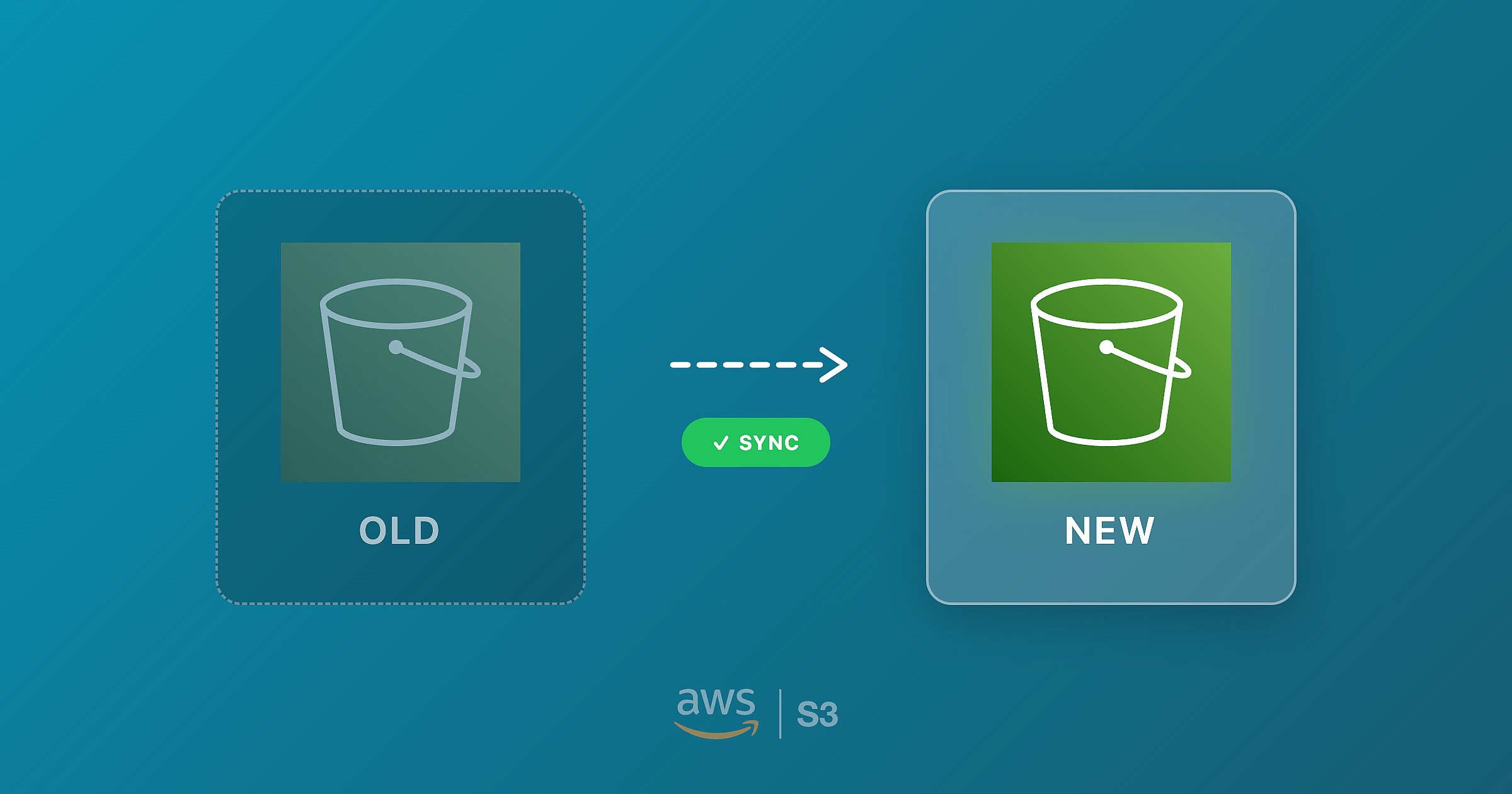
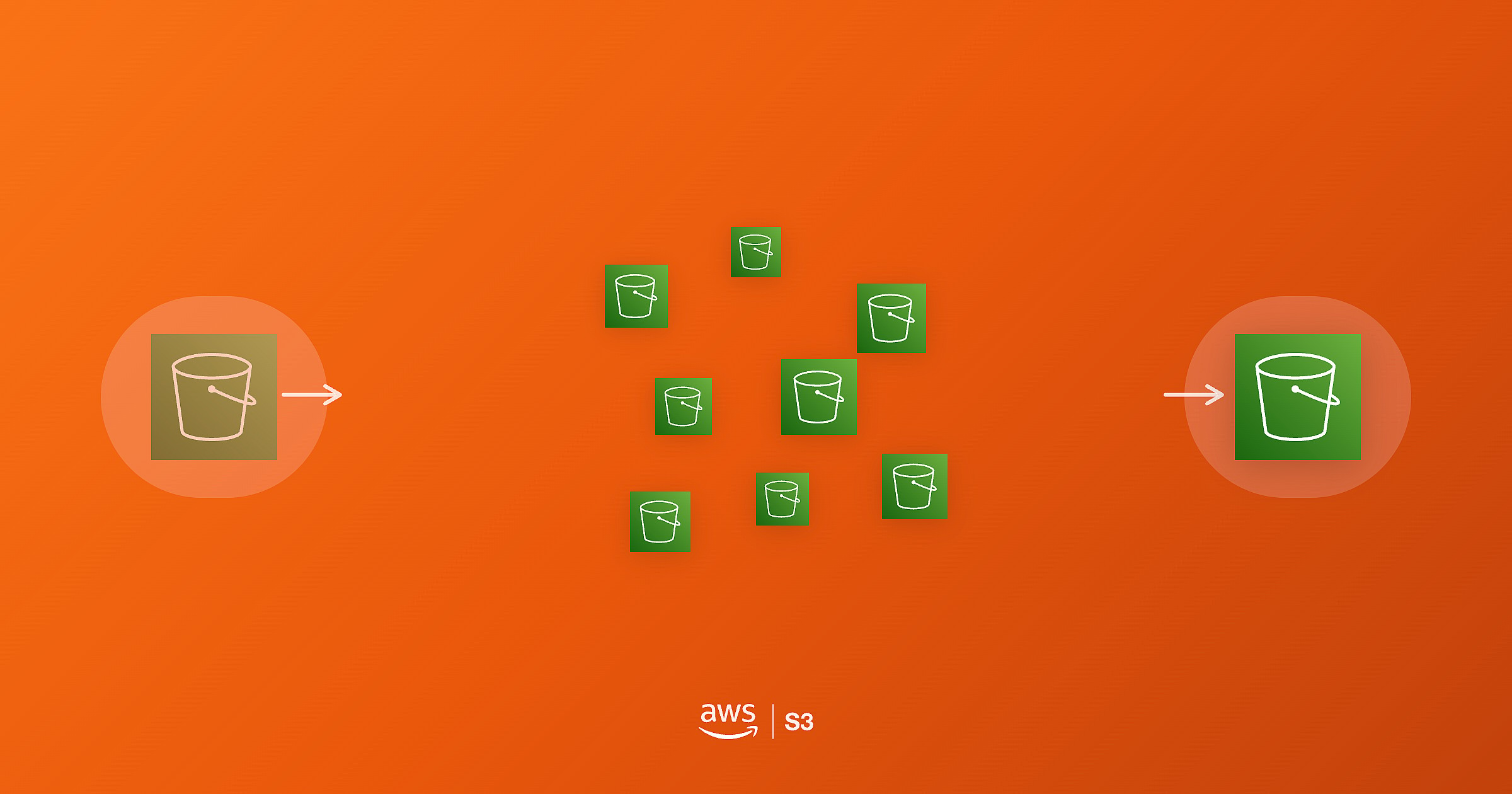
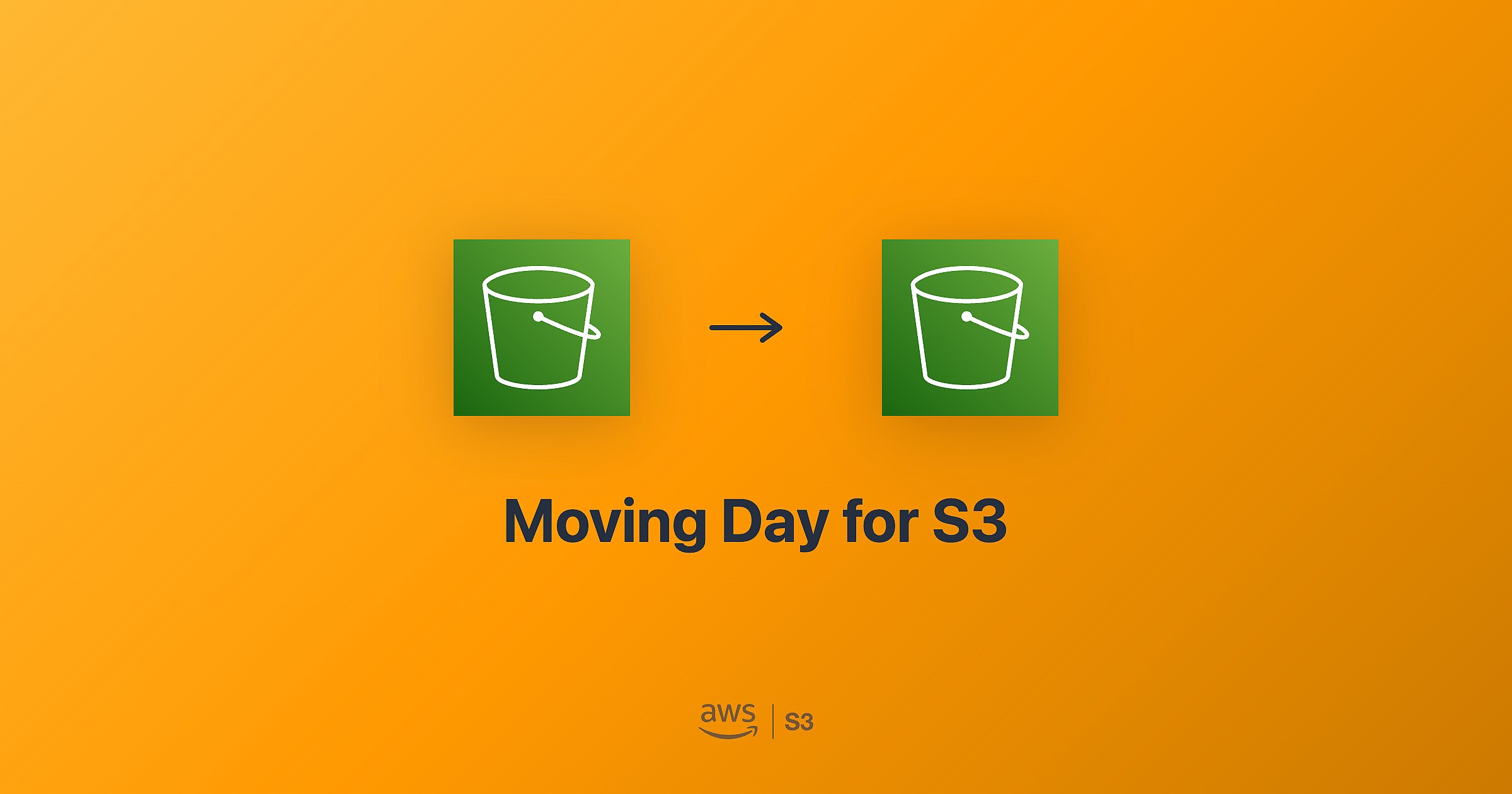
Here are the 4 options I ended up with. Not bad, and definitely has me thinking about other possible uses for this technique.

Edit (2025-12-31): And another one! This one in particular looks incredible, in my opinion.